Items have the option to add multiple language versions in the Content Editor such as English, Spanish, French, Portuguese and Korean. In this article, we will discover how to remove language versions that are no longer necessary for any item in our Sitecore solution.
- Select an item from the content tree in the left-hand column that needs to be edited.
- Once the item opens up in the Content Editor, select the language that needs to be removed from the languages dropdown.
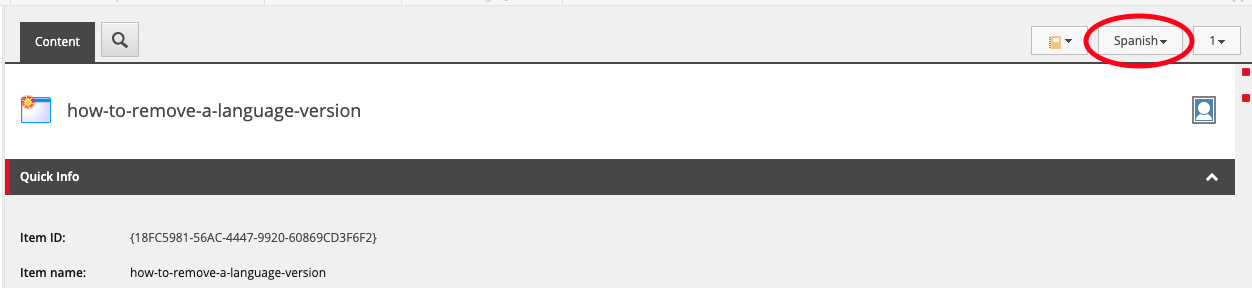
- Select the ‘Versions’ tab above the Content Editor
- Select ‘Remove’ > ‘Remove All Versions’ (Note: The ‘Remove All Versions’ only removes all versions of the selected language that is currently in view. In this case, it’s Spanish.

- A pop-up message will inform you, ‘You are about to remove every version of the item in the current language. Are you sure you want to remove every version in “Spanish”?’. Select ‘OK’.
- Select Save > Publish > Publish Items and select the corresponding languages that you modified.