Unpublishing articles
- Go to the item you wish to unpublish in Sitecore by opening up the Content Editor.
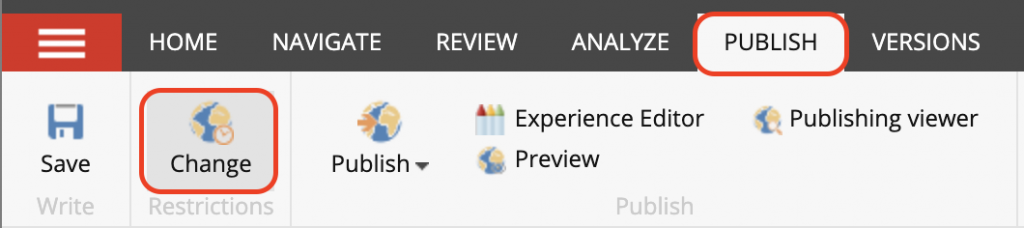
- Click on the Publish tab.
- Click on the Change Restrictions icon and a dialog will appear.
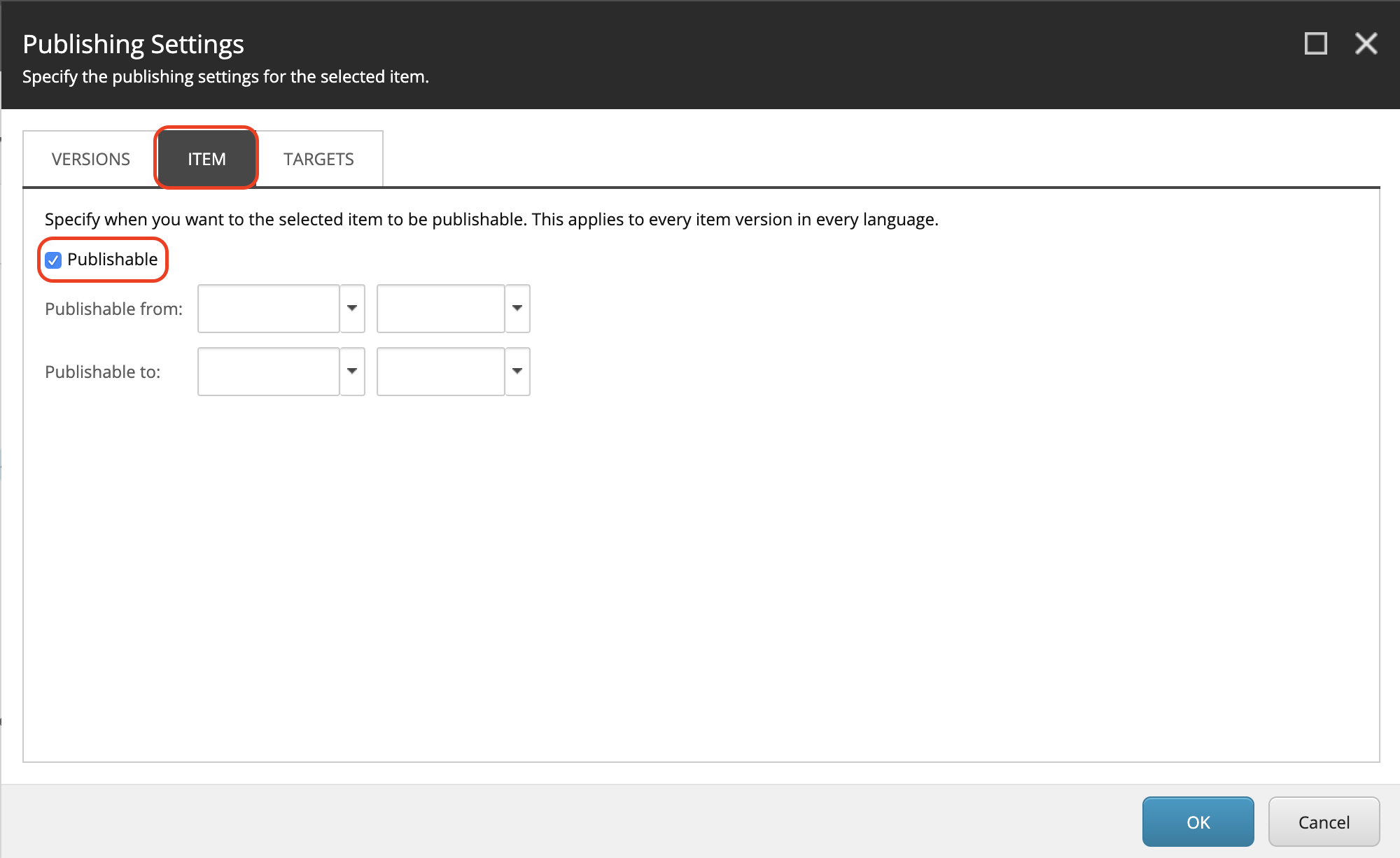
- Click on the Item tab and uncheck the Publishable checkbox.
- Click Save and Publish > Publish Item
- Visit the original URL to ensure that your item has been unpublished.